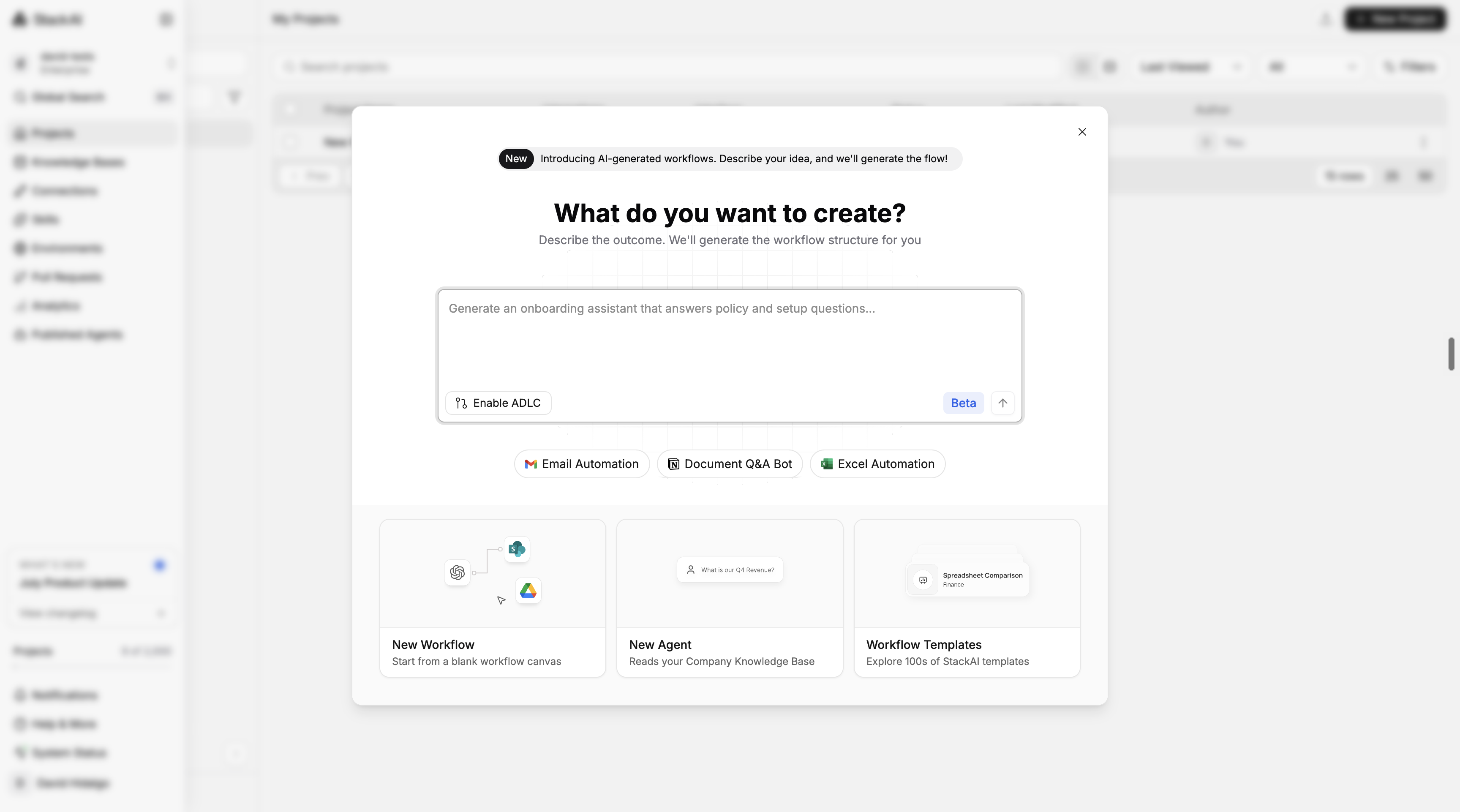
Creating something new is one of the product's most critical moments. This project redesigns that path end-to-end, a creation modal, Prompt to Flow (describe-to-build), an in-builder AI assistant, and improved template discovery.
Impact
Raised the % of users who run a workflow after creating a project from 50% to 78%. 1,400+ builders across organizations adopted templates in a month.
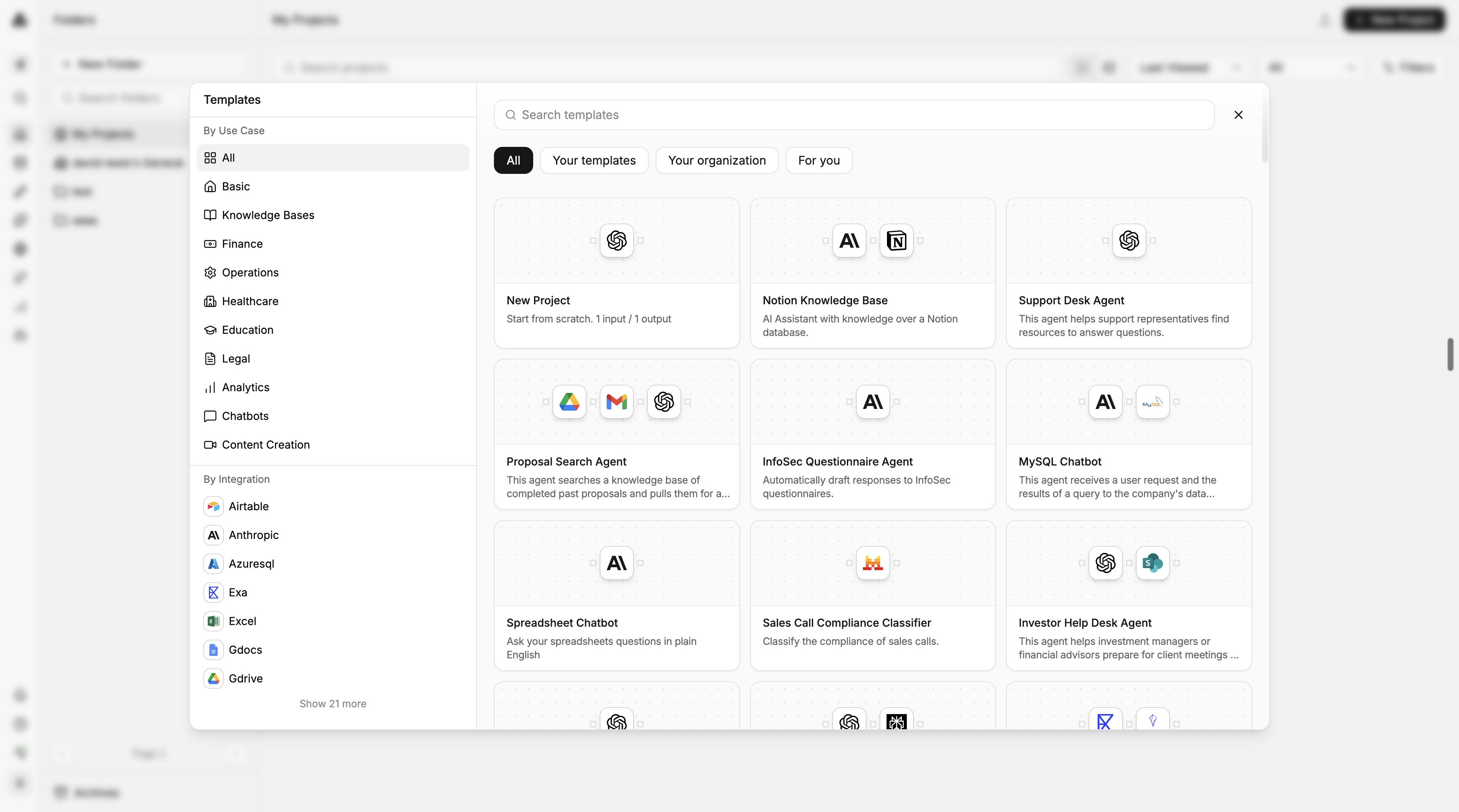
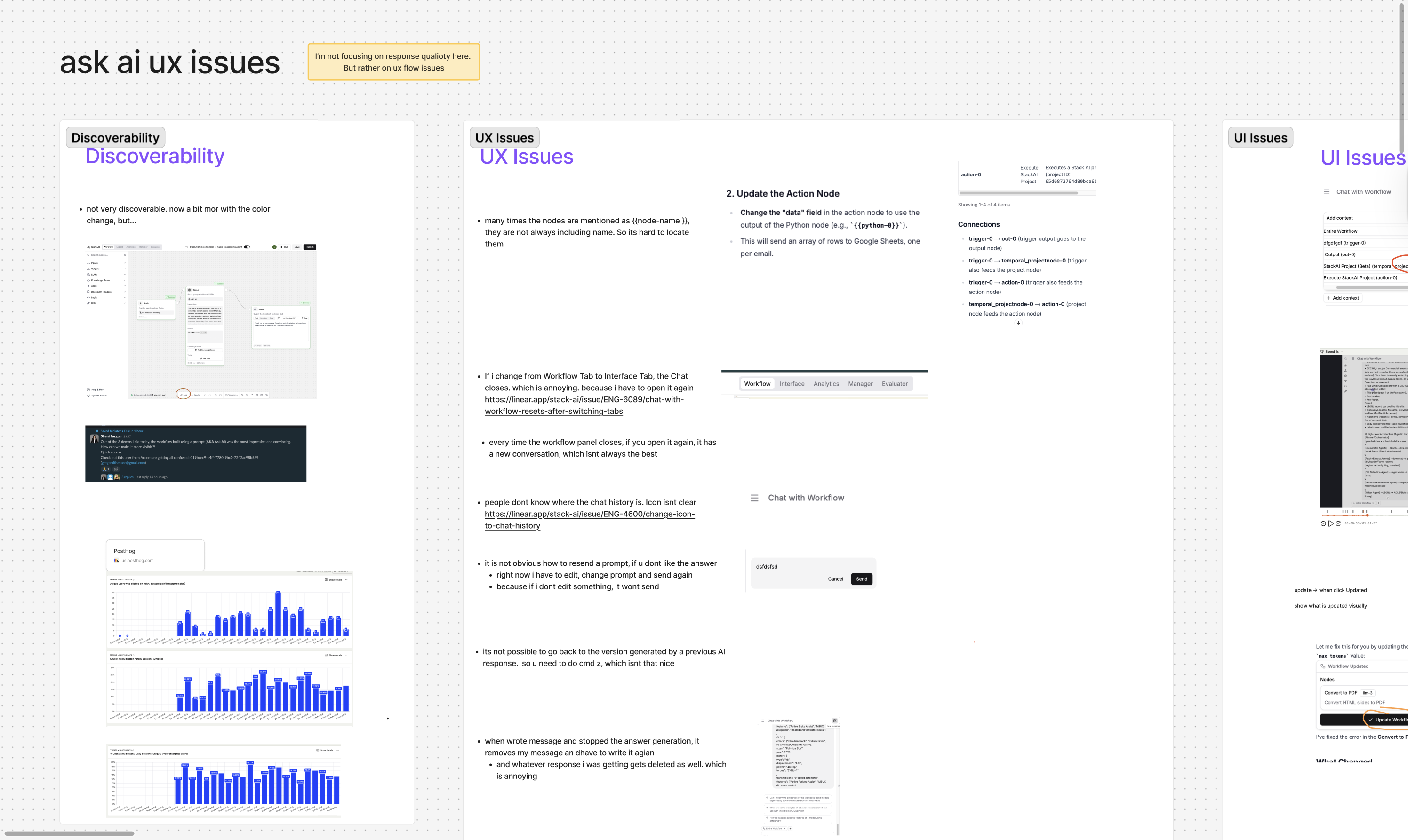
The modal had flat hierarchy and weak affordance, buttons didn't feel interactive and copy didn't guide users. Templates were buried; the category sidebar didn't read as a filter. Prompt to Flow had no entry point, and AskAI in the builder was hard to find and understand.
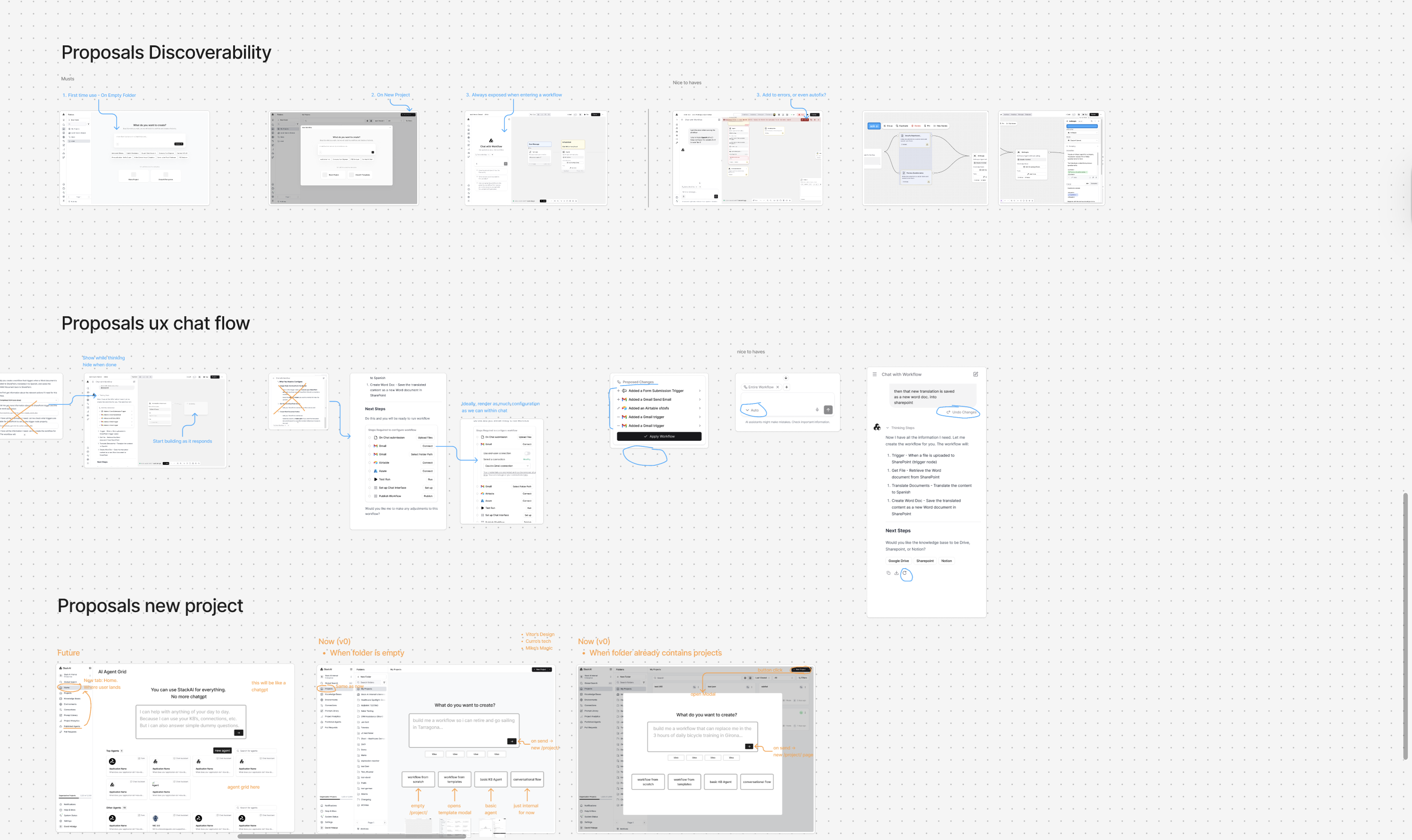
Prompt-first entry with three clear paths (New Workflow, Use Template, New Agent) plus quickstart suggestions to reduce blank-canvas friction. The same pattern carries over to empty folder states.
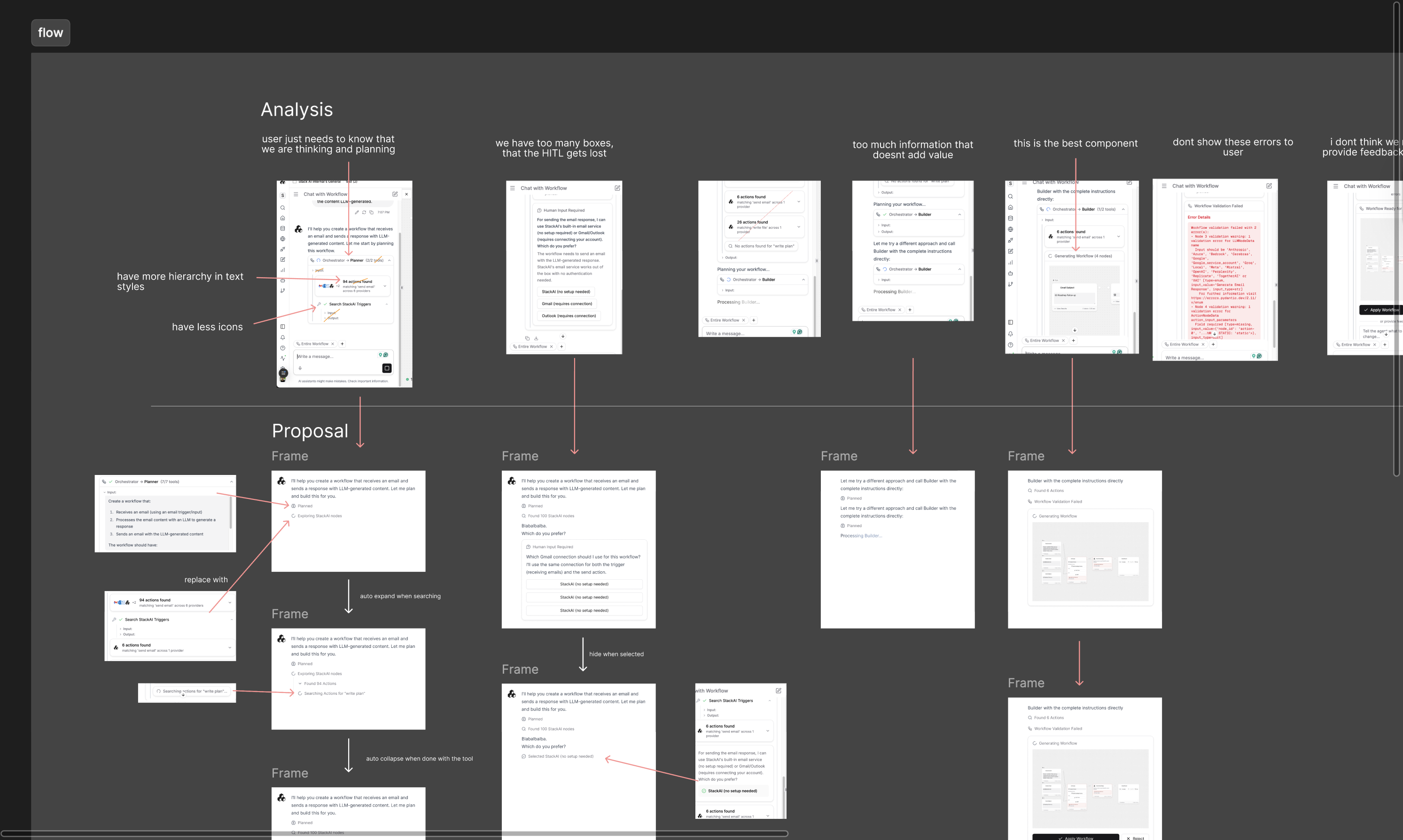
Describe a workflow in plain language, nodes stream onto the canvas in real time as it generates, including triggers, HITL, subflows, and integrations. Validated in an A/B test against the old creation popup.
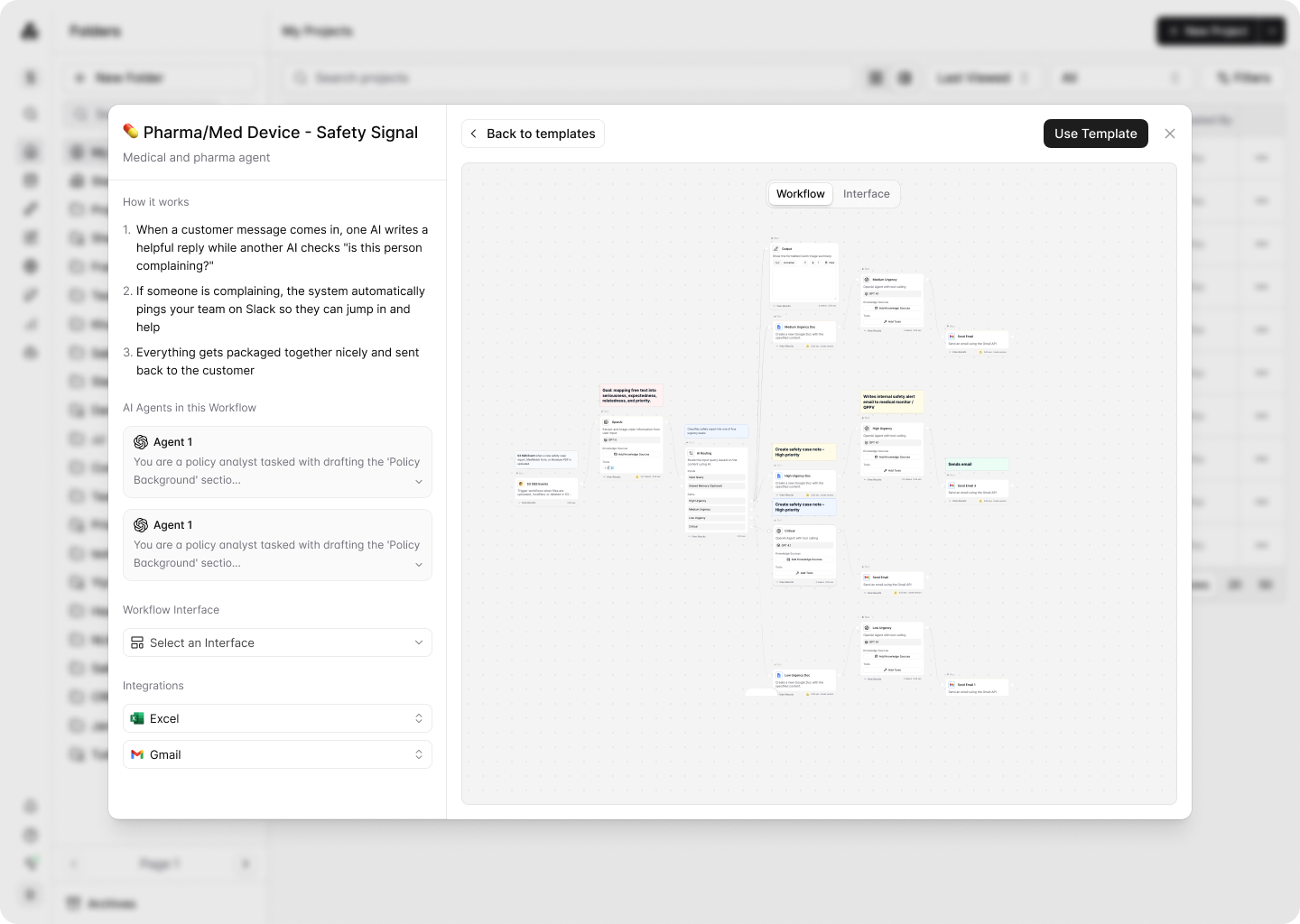
Template preview redesigned: proper back/use-template navigation, expand prompt box, and correct node rendering in standard mode. Category sidebar clarified as a multi-select filter, not navigation. Save as Template accessible from within any workflow, with separate entry points for browsing vs. starting blank.
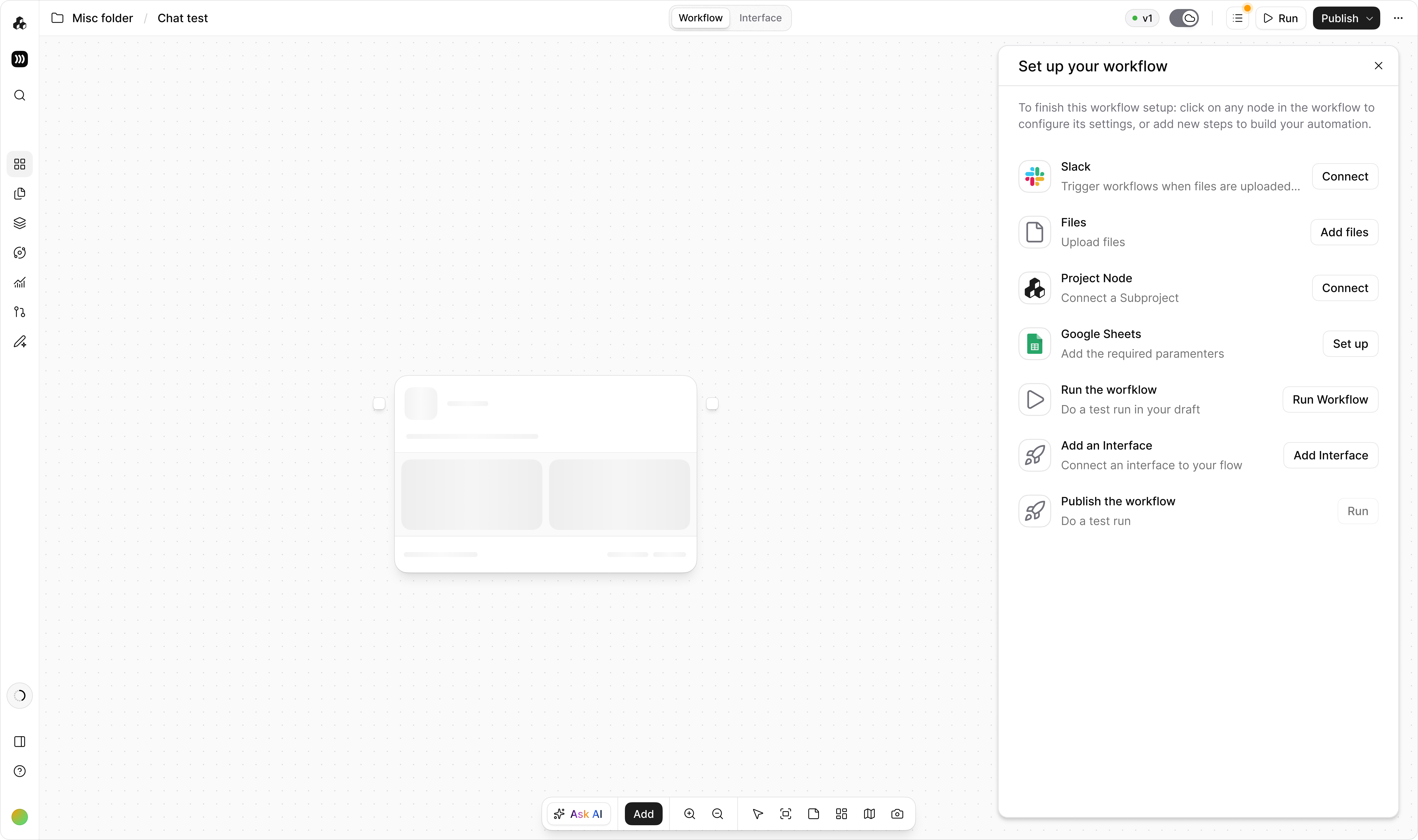
Auto-opens when a builder loads a template, surfaces what's missing (connections, knowledge bases, empty inputs, node configs, LLM variables) and guides run, interface, and publish before first run. Dismisses when complete, skips interface for trigger workflows, and collapses for experienced users.
Most drop-off in workflow creation isn't from poor UX, it's from not knowing where to start. Quickstart suggestions and P2F directly address this.
When P2F is the primary action in the creation modal, builders frame the whole experience as "describe → generate → refine" rather than "build from scratch." That mental model shift matters.
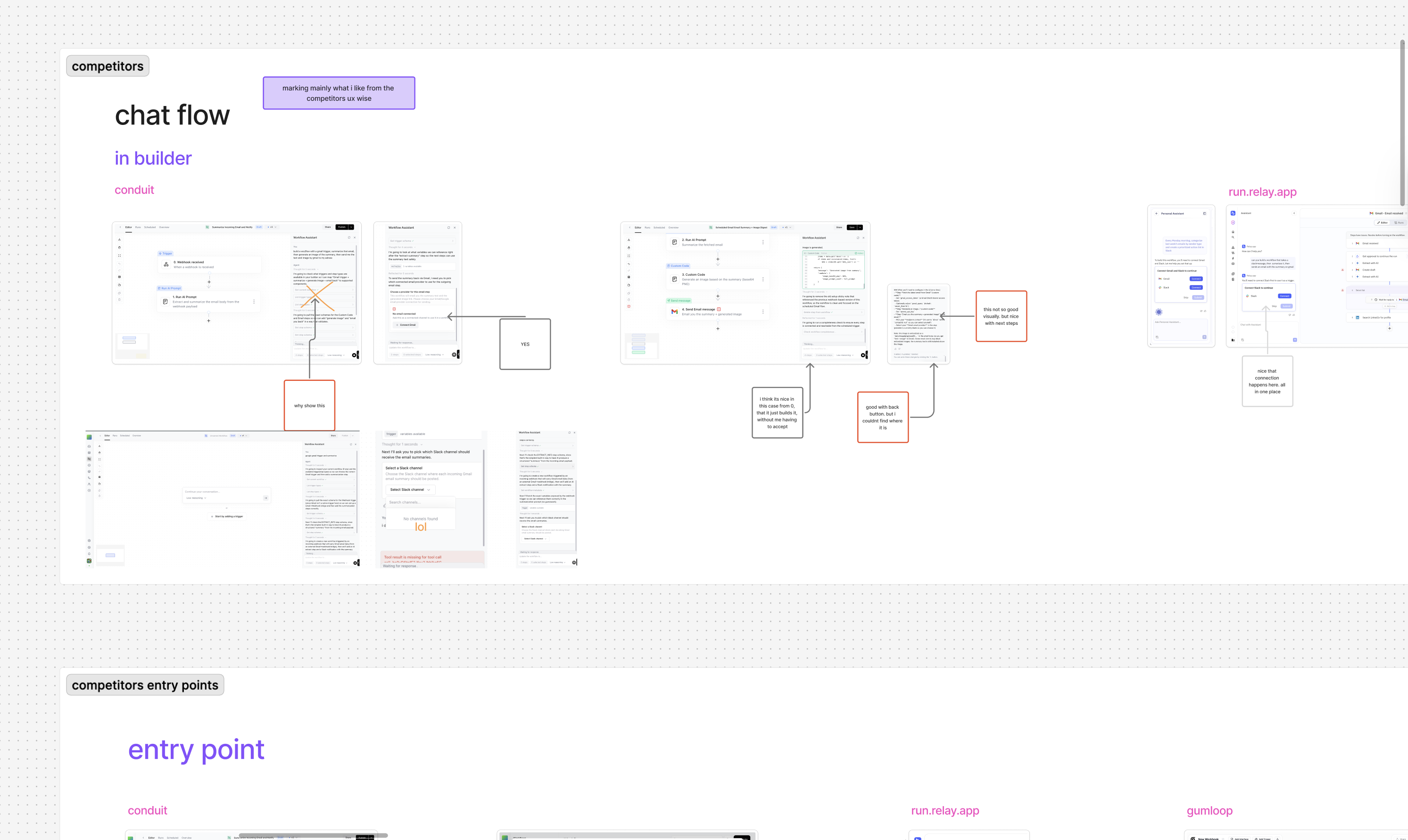
A category sidebar that looks like navigation and a static screenshot preview both fail to communicate what a template actually does. The redesign prioritized interactivity and clarity before the user commits.
Templates looked finished but weren't, they required connections, knowledge bases, and configuration that users had no way of knowing about. The checklist makes the implicit explicit, turning a source of early errors into a guided activation flow.